
Natural conversation
Tenants describe the problem in their own words — no forms, no app, no login. Emma understands the issue and urgency from plain language.
No more asking tenants to call, email, or download an app. They message your WhatsApp number, Emma — your AI assistant — replies and logs the ticket automatically, and the tenant gets a ticket number back in seconds.
No portal for tenants to learn, no app to install. The entire intake happens in the same chat thread they already use to message you.
The tenant sends a message to your property's WhatsApp number describing the issue — text, and optionally a photo or short video of the problem.
Emma, the AI assistant, understands the complaint, replies to the tenant immediately so they know they've been heard, and asks a follow-up if a key detail is missing.
A maintenance ticket is created with the description and any attachments — and Emma auto-labels it with the correct category from your existing maintenance types. No operator has to type or tag anything manually.
The tenant receives their ticket number on the same WhatsApp thread, so they can reference it and get status updates without calling anyone.
Emma · AI Assistant
online
Tenants describe the problem in their own words — no forms, no app, no login. Emma understands the issue and urgency from plain language.
Emma reads the conversation and labels the ticket with the correct category from your system's existing maintenance types — plumbing, electrical, appliance, structural, pest control, and more — the same field your filters and dashboard widgets already use.
A leaking pipe or a broken lock is easier to show than describe. Tenants attach photos or a short video straight in the chat, and it's saved on the ticket.
The tenant gets a ticket number back in the same conversation, giving them a reference point without needing an account or a portal.
Operators and team members can still log a ticket directly in the system on a tenant's behalf — WhatsApp intake is an additional channel, not a replacement.
An AI assistant that only creates tickets isn't enough — it also has to avoid the mistakes a busy operator would want caught automatically.
If a tenant messages again about the same issue — or a follow-up photo comes in a separate message — Emma attaches it to the existing open ticket instead of opening a second one.
Before confirming a maintenance visit time with a tenant, Emma checks the vendor's or team member's existing schedule to avoid booking two visits into the same slot.
If a message is ambiguous, urgent, or outside what Emma can confidently resolve on its own, it's flagged to your team instead of being guessed at.
Maintenance Requests
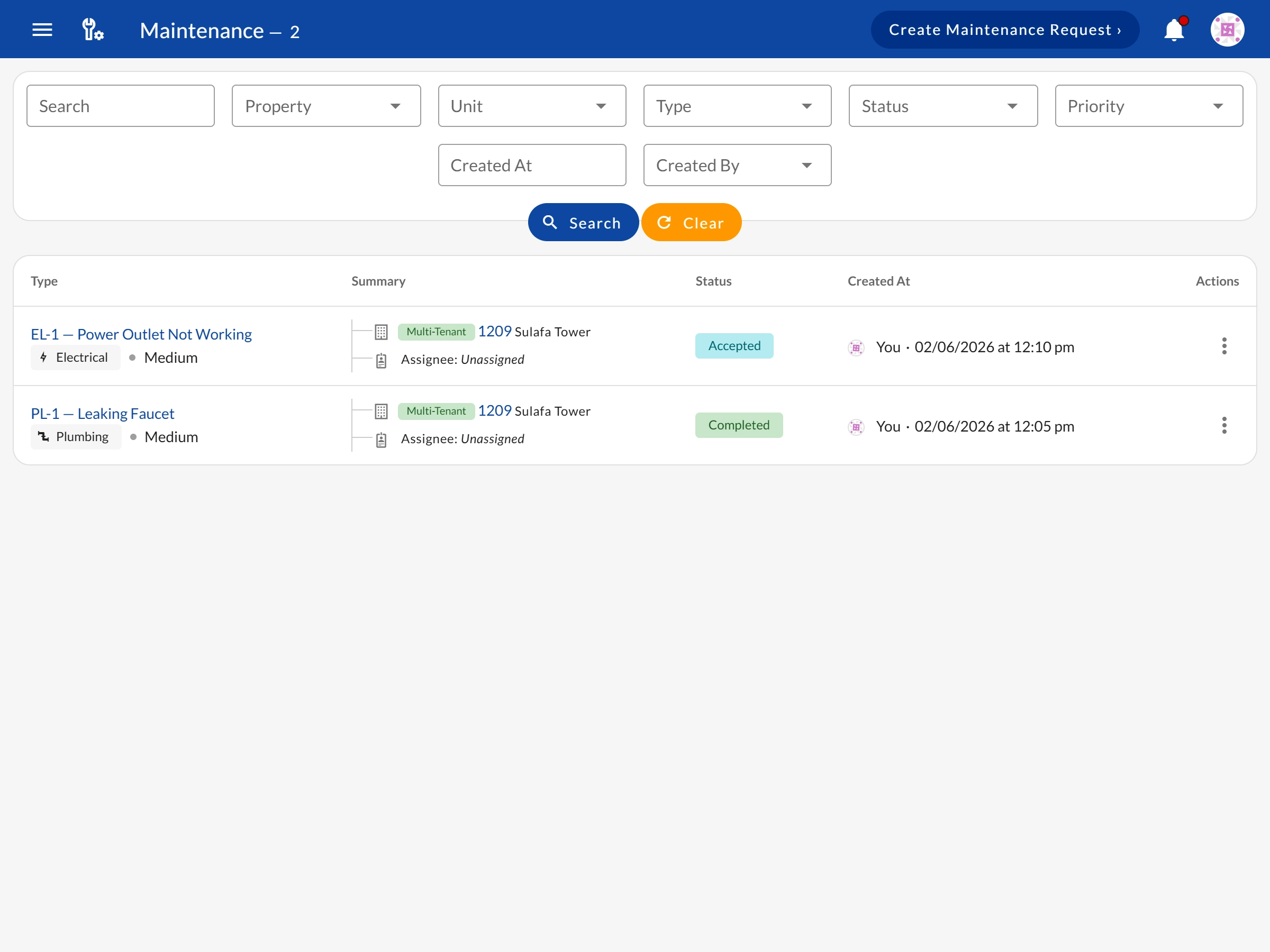
The full ticket lifecycle — filters, assignment, and time tracking after Emma opens the ticket
Team Roles
The Agent role picks up Emma's tickets with maintenance-only access — no financial data
WhatsApp PDF Invoices
The same WhatsApp channel already delivers branded rent invoices to tenants
Emma handles the intake. Your team handles the fix. Start free today.
See all features → Back to Features